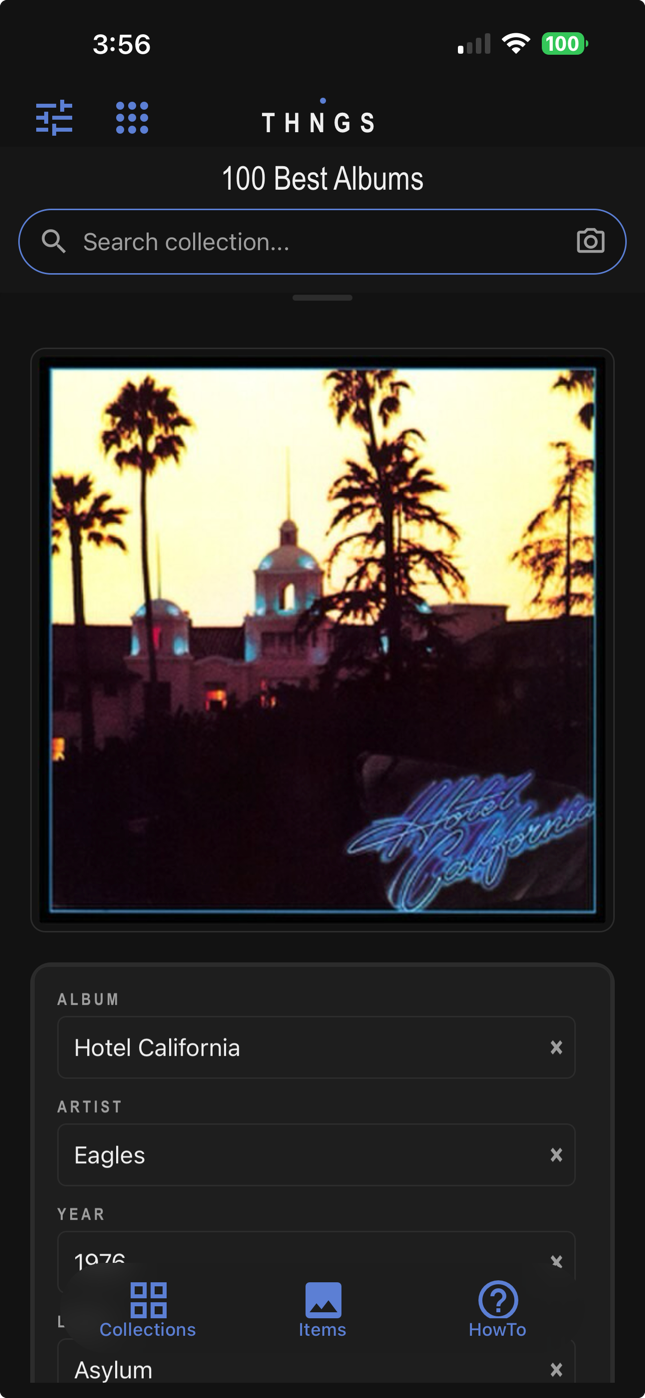
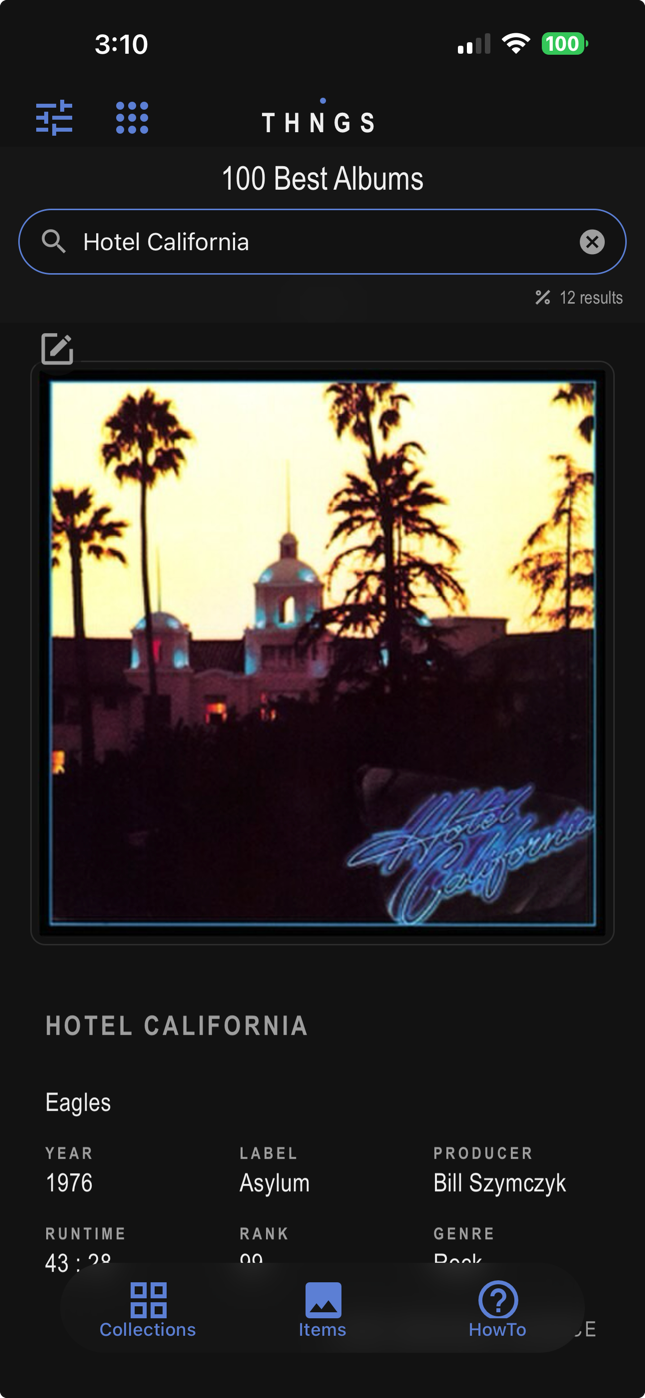
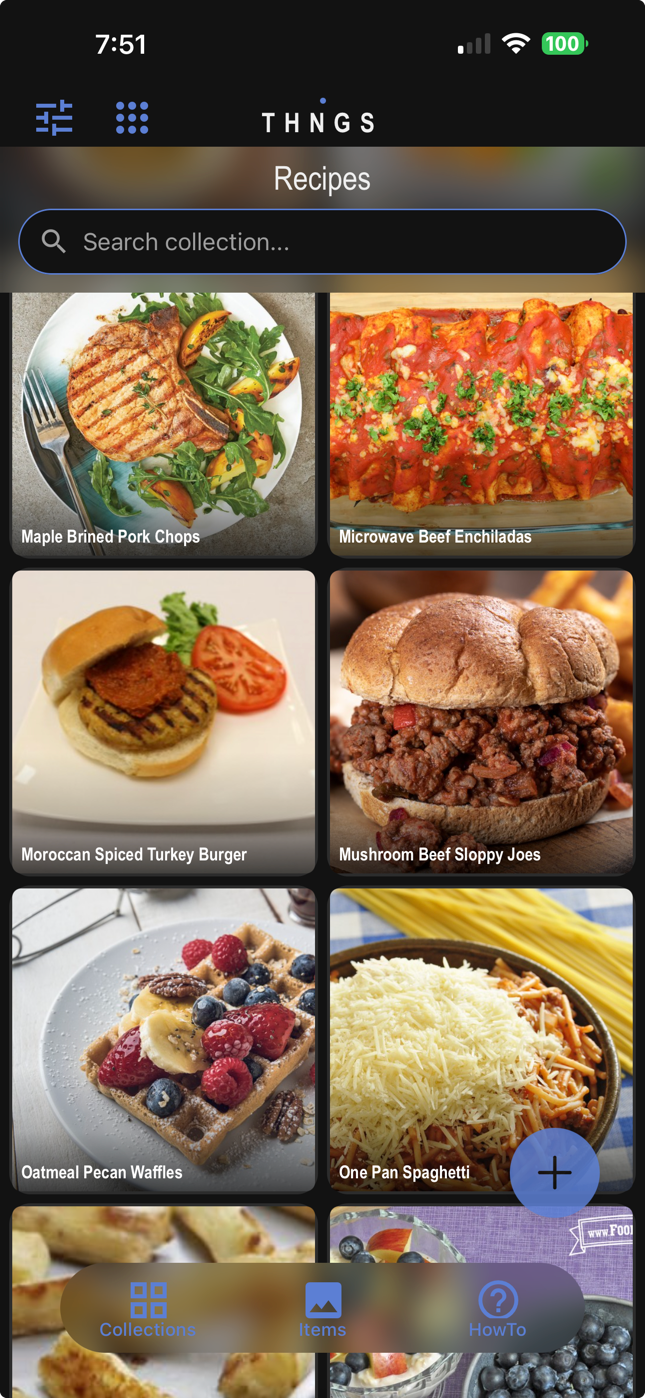
Built on one simple idea.
Snap a photo, drop it in a collection, and find it in seconds — by image, description, or a vague memory. Remember more of what you know. Share what you love.
The more you own, the harder it gets to find anything. Most people end up with a vague sense of what they have — and no fast way to prove it. It’s not just the object you lose track of — it’s everything you knew about it.
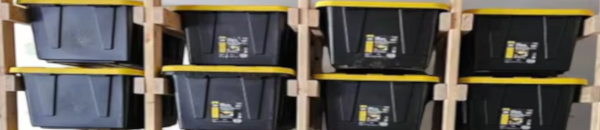
Sealed and stacked. You know it’s in one of those boxes — but which one, on which shelf?
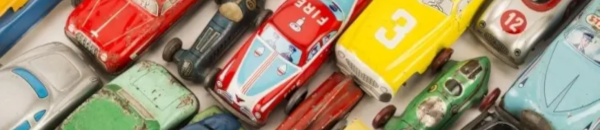
Cards, figures, coins, sets. Hundreds of items with no fast way to check what you already own before you buy.

Spreadsheets, sticky notes, guesswork. No single source of truth for what’s actually in stock right now.
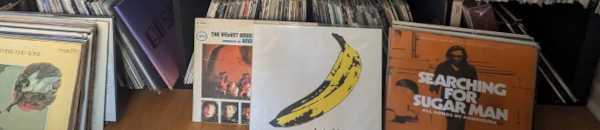
1,200 records. No way to check at the shop whether you already own it — until you get home.

Clipped, bookmarked, photographed, forgotten. The one you loved is in there somewhere — but where?
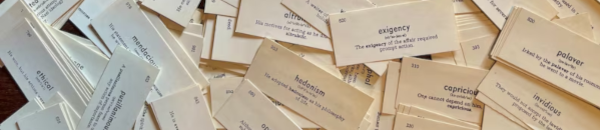
Study materials scattered across apps, folders, and paper. No good way to review them in one place — or share them with students.
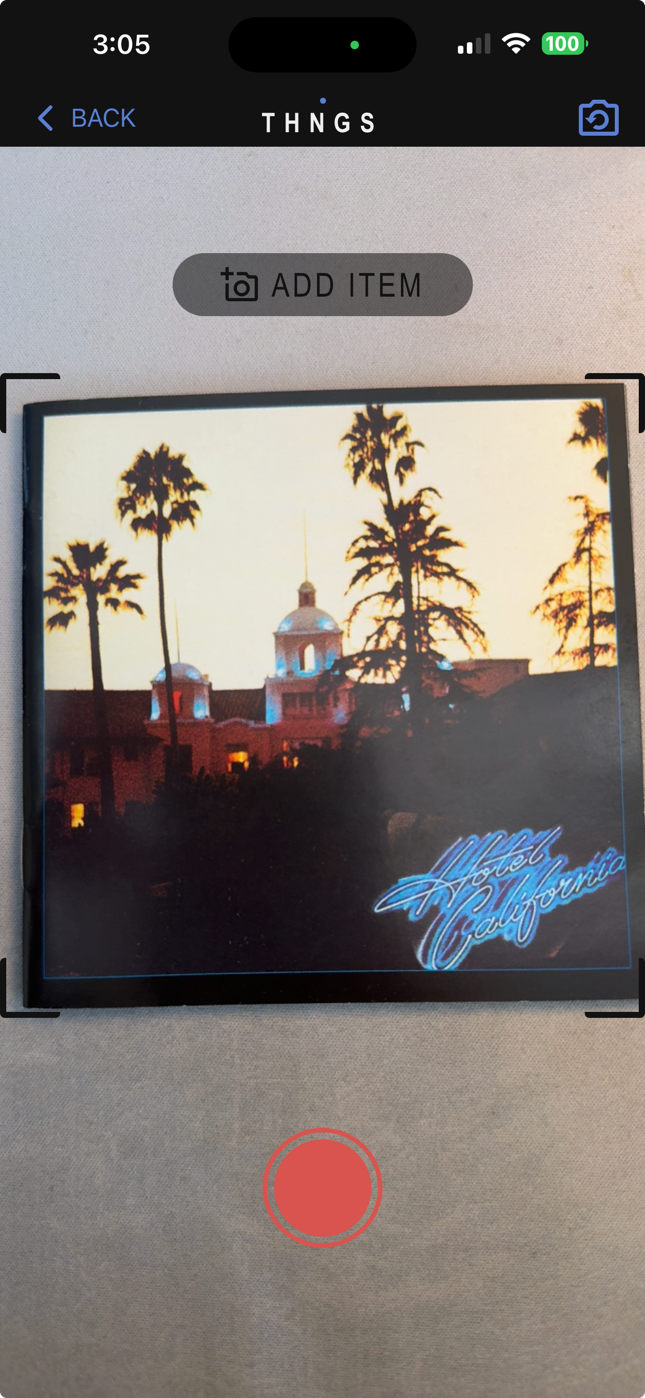
No learning curve. No setup. Just photograph, describe what you know, and find it again.
Point your phone at any item. One tap adds it to your collection.
Add a title, description, and any fields you want — or scan text right off the item.
Results appear in under a second. Tap to see everything you know about it.
Pick a collection and search it any way you like — by description, by concept, or by photo. No exact name required.
See it in action.
Instant results across a large bird collection — by title, by description, and by describing what's in the photo, like “black feathers.”
Adding a CD with the music template — scan the cover and the title, artist, and songlist fill themselves in.
Turn any collection into a spaced repetition study set — flashcards and multiple choice, scheduled by the SM-2 algorithm so you review things right before you'd forget them.
The Discover tab is a living feed of public collections from creators, collectors, and everyday people sharing what they own. Browse freely — no account needed to look around.
Art, recipes, gear, records, rare finds — real collections from real people.
Find by username, title, description, or category. No account required.
Make any collection public with one tap. Goes live in Discover immediately.
On the roadmap: Creator profiles, follower feeds, and paid collections — letting you sell access to your best content directly through the platform.
Cards, vinyl, skincare, gear, recipes, your bookshelf — if you’ve got content worth showing off, Thngs turns it into something people can actually search, not just scroll past.
Photograph what you’ve got, and Thngs organizes it into a searchable, shareable collection — no spreadsheets, no guesswork. Drop the link in your bio and let people search your shelf, your closet, your gear bag, your recipe box.
Share your content with people who are genuinely interested in your niche. Every public collection is another way for followers to discover your content.
Full access to templates, unlimited search, and every feature — on us.
We’ll help you build your first collection and get it in front of our community.
Search your entire collection the way Google searches the web. Find anything by image, description, or a half-remembered detail. Know exactly what you own before you buy — no more duplicates, no more guessing.
Build collections of teaching materials, vocabulary sets, specimen photos, or historical artifacts — then share them with your class or keep them private. Students can study on their own time with Study Mode built right in.
Every item in your home — every bin, every drawer, every shelf — instantly searchable. Stop buying things you already own. Stop tearing apart closets looking for things you know you kept.
See how it works →Turn any collection into a study deck. Flashcard or multiple choice, spaced repetition schedules your reviews automatically so hard cards come back sooner and easy ones stay out of your way. Works for any subject, any level.
Your content deserves a permanent home. Publish searchable collections your followers can explore long after the post is buried. Everything you’ve ever reviewed, organized, and findable — not just the last thing you posted.
Photograph once, find it forever. Check inventory on the spot, avoid buying duplicates, and pull up condition notes and purchase price before you price anything. Less fumbling, more selling.
Two features that work together — pull text from any photo, then find it instantly from any field you’ve filled in.
Point at a book spine, receipt, label, or tag — Thngs reads the text on-device and lets you drop it straight into your item fields. Select multiple text blocks at once and assign them to a field in one tap. No cloud, no typing.
* Works great with printed text — labels, spines, receipts, tags. Handwritten text is hit or miss.
Every field — title, material, condition, notes — is automatically indexed the moment you save. You control which fields count: exclude low-value fields (e.g. a producer credit) so the fields that matter (e.g. a track listing) carry more weight.
Pick the display template that fits what you’re cataloging. Change it any time — templates only affect how items look, not how data is stored.
Change a collection’s template any time: long-press its card → Edit → Display.
Flashcard or multiple choice — spaced repetition schedules your reviews automatically so you remember more with less effort.
Flip cards and rate yourself (Again / Good / Easy), or let the app quiz you with multiple choice — shows the image and answer, you pick the correct term. Switch modes any time in the collection settings.
The SM-2 algorithm (the same one Anki uses) calculates exactly when to show each card again. Cards you know well stay away longer; hard cards come back sooner. Each session ends with a summary of your progress.
Study progress never leaves your phone. No accounts, no sync, no data harvested. Just memory.
Enable Study Mode per collection: long-press a card → Edit → Study → choose Flashcard or Multiple Choice → Update.
No account needed to get started. No servers, no waiting. Everything stays on your phone — private by default, not as an afterthought.
Nothing is sent to a server. Nothing is uploaded. Your search history is yours alone.
On a plane. In a basement. If your phone works, Thngs works.
We have no copy of your private data — it never touches our servers. If you choose to share a collection, that’s stored on our servers so others can access it. Sharing is always your choice.
No lingering backups. No hidden copies. When you leave, everything leaves with you.
The free tier is genuinely useful. Most people stay on it for months before needing more.
Create a free account and start organizing immediately. No credit card required.
For people who are serious about staying organized.
For power users with large collections and heavy sharing needs.
Free forever, no credit card required. We don’t sell your data.
It depends on what you do with your collections. Private collections stay entirely on your device — we never see them and have no copy. If you choose to share a collection, publicly or privately, it is stored on our servers so others can access it. Sharing is always your choice.
Yes, for your private collections. Photographing, organizing, and searching all happen on your device with no internet required. You do need a connection to share a collection or to access your account collections on a new device.
Any collections stored only on your device are permanently deleted when you remove the app — we have no copy and cannot recover them. Collections tied to your account remain on our servers until you close your account, at which point they are deleted within 30 days. Publicly shared collections remain on the platform per our Data Ownership policy.
Very accurate for descriptions, partial names, and conceptual searches. Describe what you remember — “the blue notebook with the spiral binding” — and it will find the right item even if you didn’t name it that.
Yes. Take a new photo or upload one from your library, and Thngs will find visually similar items within that collection.
Up to 100 items across 3 collections. That’s enough to get a real sense of how it works. Most people spend a few weeks on the free tier before deciding if they want more.
Yes. You can share a collection publicly for anyone to browse, or privately with specific people you invite. The person you share with needs the app installed and a free account to view it.
Free tier caps at 100 items. Standard supports up to 500. Premium supports up to 1,000. You can upgrade at any time without losing your existing collection.
Yes. Download the app on your new device, sign in to your account, and your account collections will be available immediately. Collections that were stored only on your old device and never shared will not carry over, so make sure anything important is tied to your account before switching.
Start free. No credit card, no commitment. Just see what it feels like to actually find things.
Free forever for up to 100 items. No credit card required.